September 19, 2026
How to Monitor and Redirect WordPress 404 Errors
Monitor 404 requests on WordPress, select relevant destinations, and create safe 301 redirects with this practical step-by-step workflow.
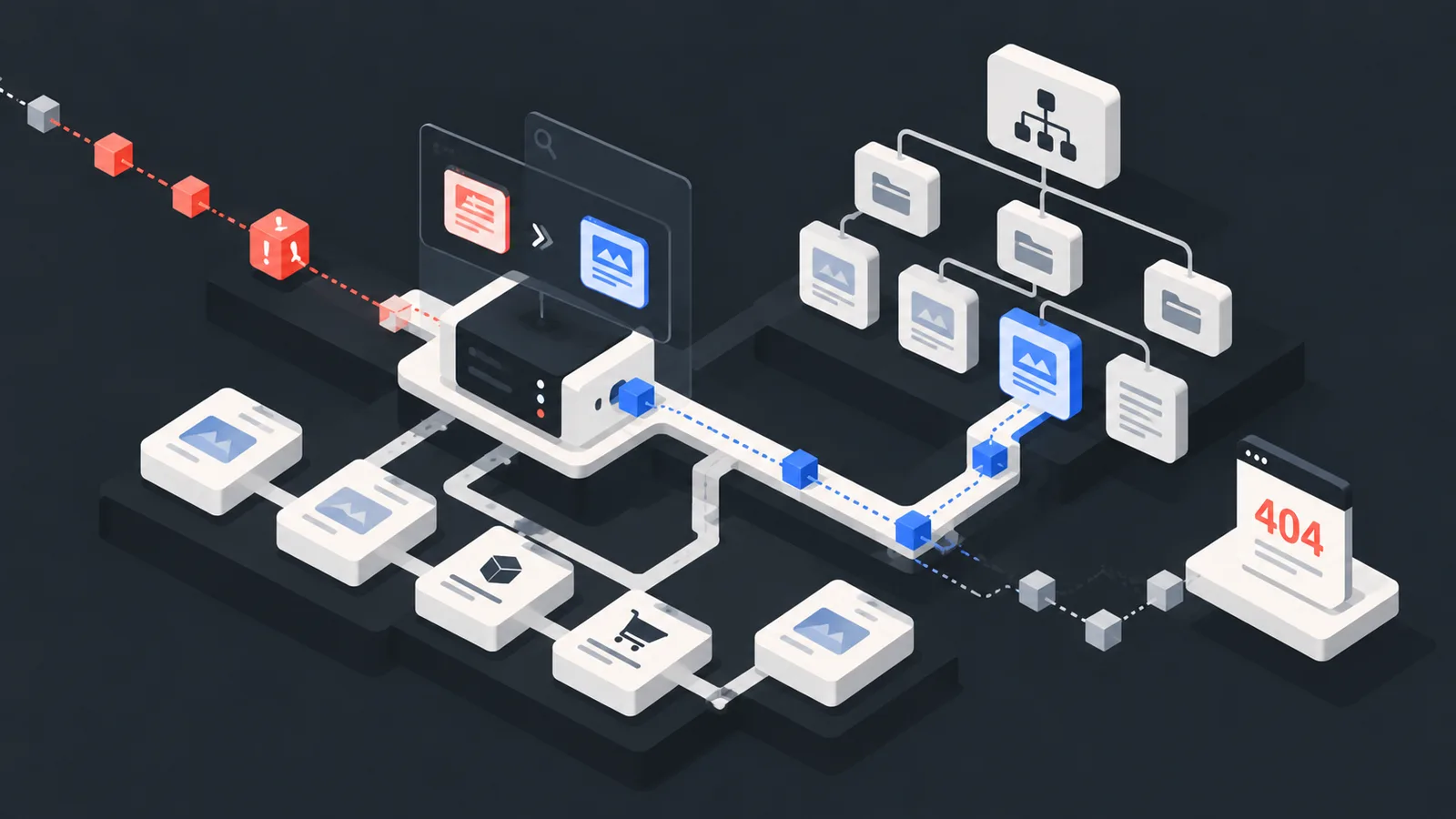
WordPress sites frequently change posts, products, categories, and permalink structures. Theme and plugin migrations can also leave old URLs behind. A custom error-page design does not solve the underlying issue. You first need to see which paths receive real visits and then select the correct behavior for each one. The following workflow keeps that process controlled.
Prepare a backup and test environment
Redirect rules directly affect visitor traffic. Create a current backup of WordPress files and the database, and test changes in staging where possible. Do not repeatedly change or resave permalink settings as a guess. First determine whether the failure affects one URL or the broader rewrite configuration.
Record real 404 traffic
A crawler alone can miss external links, old bookmarks, and advertisement clicks. After installing the no404 WordPress plugin and connecting your account, incoming missing paths appear in the dashboard with source and time context. Even a few days of observation can reveal which URLs deserve attention first.
Connect the sitemap
A current XML sitemap provides a reference list of live posts, pages, products, and categories. no404 uses this inventory to compare a missing path with possible live destinations. Confirm that the sitemap is accessible, not stale in cache, and no longer includes removed URLs.
Review the redirect candidate
Do not approve a destination simply because its name looks similar. Match the purpose, product model, category, and language version. Use a 301 when a clear replacement exists. When there is no close destination, preserve the 404 and offer search and navigation on the error page.
Publish test and monitor
After adding the rule, clear relevant caches. Test the old URL in a private window and with an HTTP status tool. Confirm that one redirect reaches the correct page and the destination returns 200. Check for loops, chains, and conflicts with language routing. Continue monitoring whether new events for the path decline, and establish a recurring review for high-traffic errors.
See your lost traffic
Do not guess which missing paths receive real visits. Add your site to no404 for free, connect the sitemap, and start monitoring lost paths from one dashboard.