September 15, 2026
How to Fix 404 Errors After Changing WordPress Permalinks
A practical guide to preserving traffic after changing WordPress permalink structures by mapping old URLs to relevant new destinations and monitoring real 404 requests.
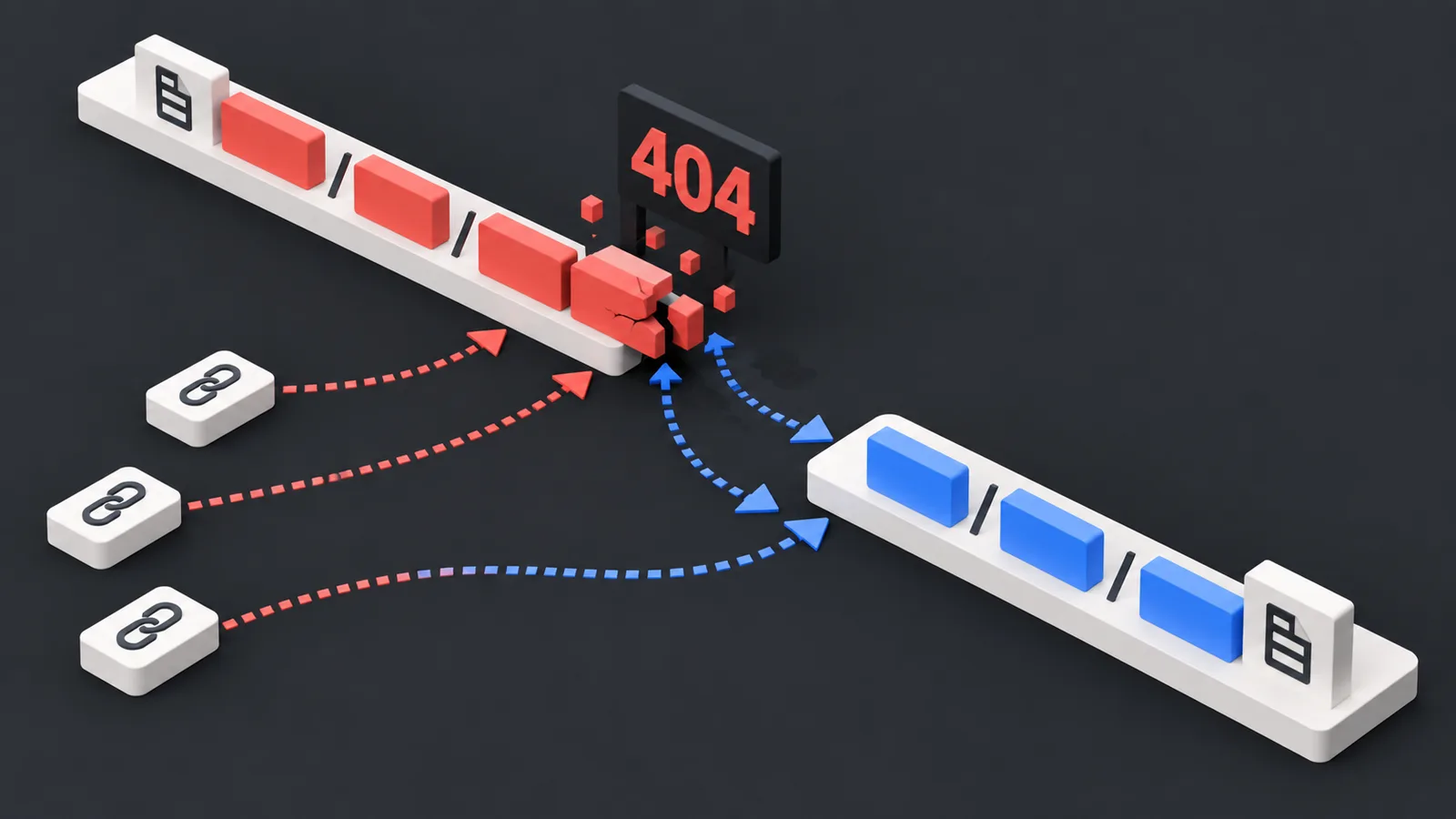
Changing a WordPress permalink structure can take seconds, but the old URLs may continue receiving traffic for months or years. Search results, backlinks, social posts, email campaigns, ads, and bookmarks do not automatically learn the new path.
If those old URLs are not mapped to relevant replacements, visitors land on a 404 page.
Why permalink changes create 404s
Imagine an old URL:
/blog/2025/product-guide/
and the new URL:
/blog/product-guide/
WordPress serves the new address, but external links may still point to the old one. The problem is therefore not just the permalink setting; it is preserving the relationship between old and new URLs.
Start with URLs that actually receive traffic
Do not begin by generating hundreds of speculative redirects. Use Search Console, server logs, analytics, backlinks, and real 404 monitoring to identify old URLs that people still request.
Prioritize:
- URLs with organic traffic
- URLs with backlinks
- paid campaign landing pages
- product/category pages with commercial value
- recurring human 404 requests
Random bot-generated paths usually do not deserve the same attention.
Use a permanent redirect when the content truly moved
If an old page has a clear new equivalent, a permanent server-side redirect is usually appropriate. Google Search Central treats 301 and 308 as permanent redirect signals and 302/307 as temporary behavior.
The best redirect target is normally the closest equivalent page, not the homepage.
Do not redirect every 404 to the homepage
If the requested content has no meaningful replacement, forcing every URL to / hides the error without solving the user’s intent. A true 404—or 410 in some permanent-removal cases—may be more accurate.
Monitor after the migration
Even a careful redirect map can miss URLs from old campaigns, forgotten backlinks, legacy feeds, or historical site structures. Continue monitoring real 404 requests after the permalink change and add redirects only where a valid destination exists.
How no404 fits in
no404 makes real 404 requests visible so you can see which old WordPress URLs are still being visited.
Example:
/old-category/old-post → real 404 request → matching new post identified → redirect created.
This turns redirect maintenance from guesswork into a traffic-driven process.
Checklist
- Export important old URLs before changing permalinks.
- Update internal links and XML sitemaps.
- Map high-value old URLs to direct equivalents.
- Test status codes and final destinations.
- Watch for redirect chains.
- Continue monitoring 404 requests after launch.
Conclusion
A permalink change is not complete when the new URL works. It is complete when valuable old URLs either reach the correct new destination or return an accurate error status. no404 helps identify the missed requests that matter after the change.