September 15, 2026
Laravel 12 and 13: How to Track 404 Requests and Redirect the Right Ones
Laravel can generate 404 responses through unmatched routes, model lookup failures, and `abort(404)`. This article explains why tracking those requests matters, how to separate monitoring from the custom 404 page, and where No404 fits into a Laravel 12/13 application.
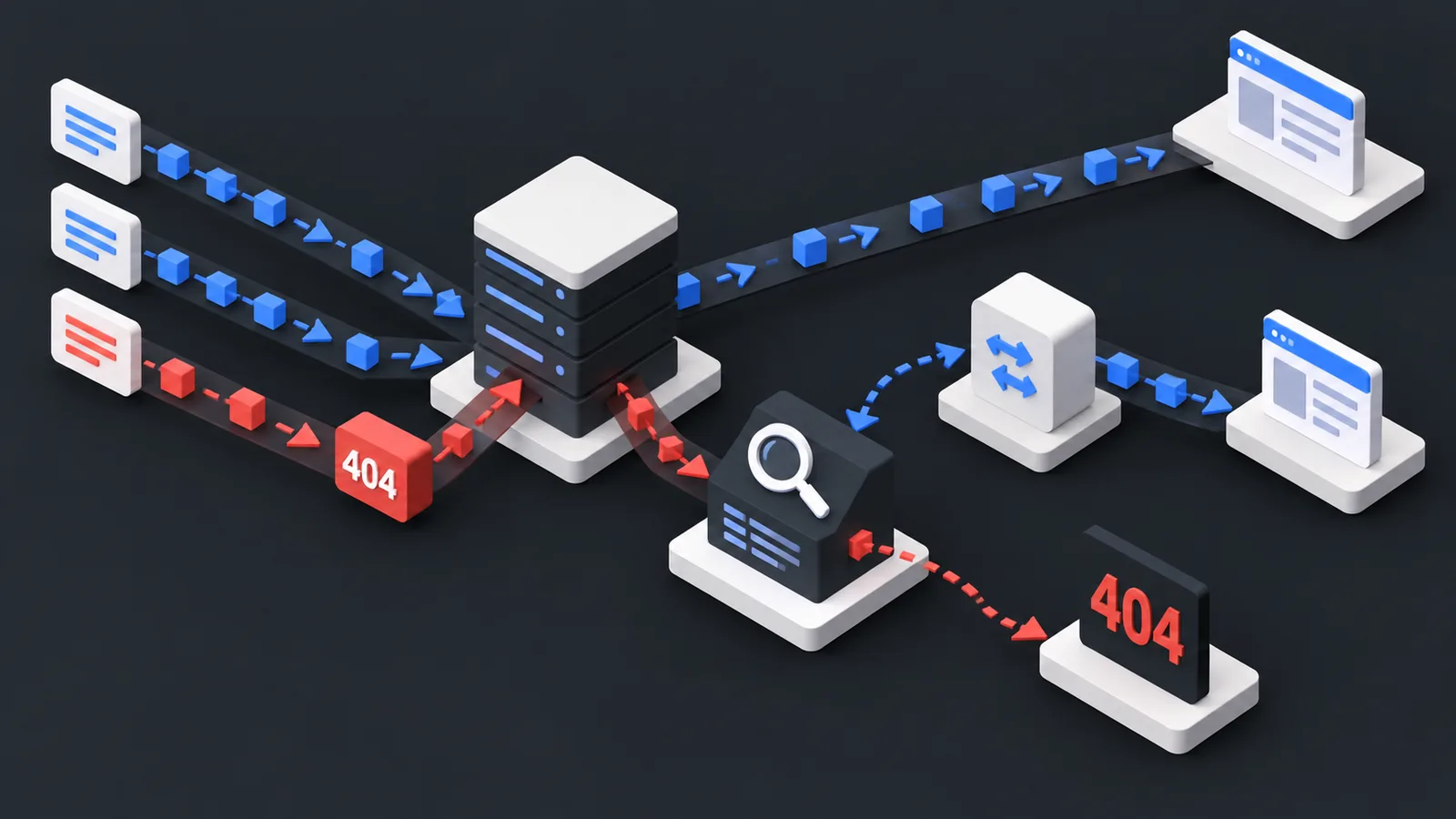
In Laravel, a 404 is more than an error screen. It can reveal traffic reaching an old route, removed model, outdated slug, legacy campaign URL, or broken backlink.
Laravel’s official error-handling documentation supports generating a 404 with abort(404) and customizing the corresponding error view under resources/views/errors/404.blade.php. But a custom view does not tell you which missing URLs are receiving real traffic.
Where Laravel 404s come from
Common sources include unmatched routes, route-model binding failures, findOrFail() flows, explicitly generated HTTP exceptions, and application URLs removed during releases or migrations.
Track before you redirect
A useful 404 workflow should capture the requested URL and relevant request context, distinguish human traffic from obvious bot noise, look for a known destination, and preserve the original 404 response when no reliable match exists.
Avoid catch-all logic that sends every unknown path to the homepage.
Centralize the behavior
Instead of adding redirect logic to individual controllers, treat 404 handling as a cross-application concern. A centralized integration can evaluate the missing URL after the normal Laravel routing process fails.
The desired flow is simple:
request → Laravel routing → 404 → lookup known match → redirect if confident → otherwise return normal Laravel 404.
How no404 fits in
The no404 Laravel integration can act as the observability and matching layer for Laravel 12 and 13 projects. It can surface real missing URLs and allow known mappings to produce a redirect without turning every error into a redirect.
This is especially useful for SaaS products, stores, content platforms, and applications that frequently change route or slug structures.
Keep failure behavior safe
A 404 integration should not make the application dependent on an external response to render a missing page. Use sensible timeouts, caching, and fallback behavior so that if the matching layer is unavailable, Laravel still returns its normal 404 response.
Conclusion
Laravel already handles HTTP errors well. The missing layer is often visibility: which old URLs are still receiving meaningful traffic? no404 can add that layer while preserving Laravel’s native error behavior when no valid redirect exists.